








사진
비디오
❮
설명
Google Opinion Rewards: Description
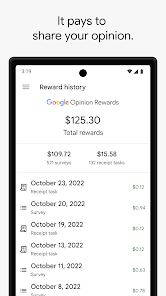
What it is: An app from Google that sends you quick, relevant surveys (about places visited, products, etc.).
How it works: You get a notification when a survey is ready; you answer it, and get rewarded.
Rewards: Earn Google Play credit (on Android) or PayPal cash (on iOS), depending on your device.
How to Buy Robux with Opinion Rewards (Android/Google Play)
Download & Setup: Get the Google Opinion Rewards app, answer the initial questions, and link your Google account. Make sure your Google account in the Rewards app is the same one you use for the Play Store and Roblox.
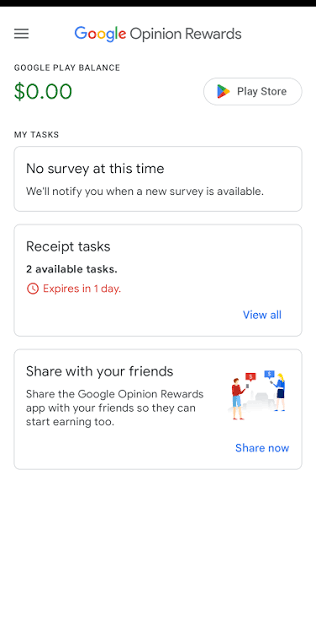
Earn Credit: Complete surveys to build up your Google Play balance.
Open Roblox: Launch the Roblox app on your device.
Find Robux: Tap the Robux icon (usually at the top).
Select Amount: Choose the Robux package you want to buy.
Pay with Play Balance: In the payment pop-up, ensure your Google Play Balance is selected as the payment method.
Confirm: Follow the prompts to complete the purchase. Your balance will be used first, and any remaining amount will charge your linked card.